←Back to Portfolio
// project
Contentful Inventory – Content Model Documentation Generator
ContentfulContentful Management APINode.jsTypeScript
The Problem
Working with Contentful on large projects, I noticed a recurring challenge: understanding and documenting the content model. Teams often struggle to:
- Onboard new developers who need to understand the CMS structure
- Track relationships between content types
- Audit which fields use enumerations and their allowed values
- Keep documentation in sync with the actual content model
The Solution
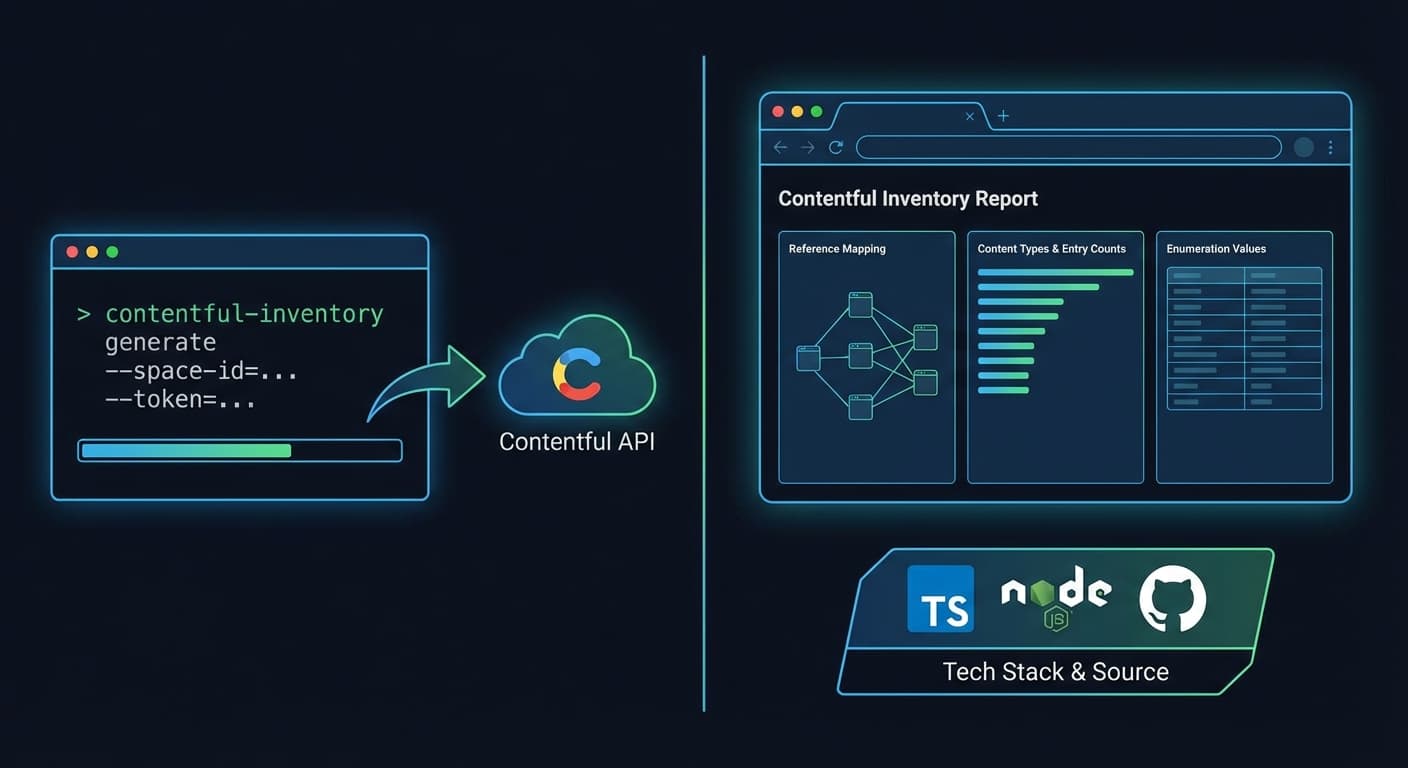
I built Contentful Inventory, a CLI tool that connects to your Contentful space and generates a beautiful, interactive HTML report of your entire content model.
Key Features
- Complete Overview – Visualize all content types with entry counts and field statistics
- Reference Mapping – Understand how content types link to each other
- Enumeration Values – See all allowed values for dropdown fields at a glance
- Zero Configuration – Just add your credentials and run
- Static HTML Output – Share with non-technical team members, no server needed
Technical Highlights
- Used the Contentful Management API to fetch content types, fields, and entry counts
- Implemented rate limiting to handle API constraints gracefully
- Generated a self-contained HTML report with embedded CSS and JavaScript
- Built with TypeScript for type safety and better developer experience
Impact
This tool has helped teams:
- Reduce onboarding time for new developers
- Improve communication between developers and content editors
- Catch content model issues during audits
- Maintain up-to-date documentation effortlessly